Creating a home office that feels cozy and boosts your productivity can make a significant difference in your daily work experience. Whether you’re working remotely full-time or occasionally, the right setup can help you stay focused, reduce stress, and make your work hours more enjoyable. Here are practical tips to help you design a home office that works well for you.
Choose the Right Location
Consider Natural Light
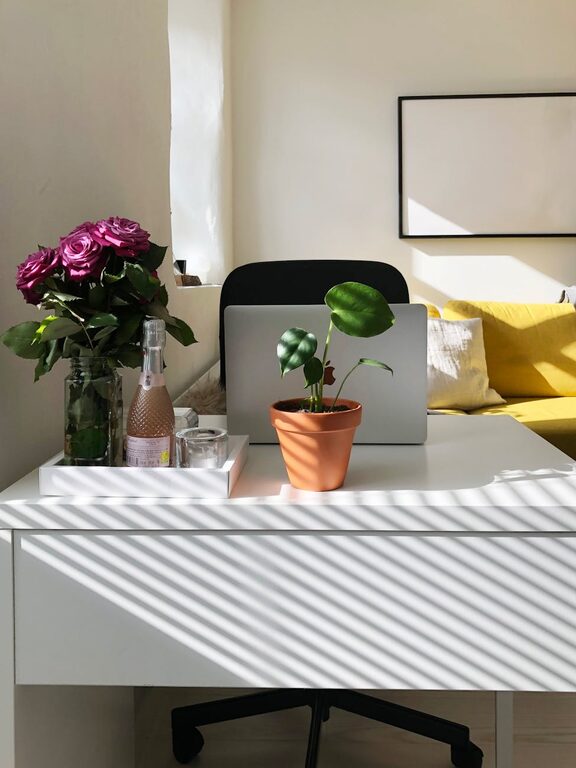
Natural light can enhance your mood and energy levels. Try to position your desk near a window to take advantage of daylight. If natural light is limited, invest in good-quality artificial lighting that mimics daylight to reduce eye strain.
Minimize Distractions
Select a quiet area in your home, preferably away from noisy spots like the kitchen or living room. If space is limited, consider using room dividers or noise-canceling headphones to create a focused environment.
Invest in Ergonomic Furniture
Comfortable Chair
A supportive chair is essential for long working hours. Look for one with adjustable height, lumbar support, and comfortable cushioning to avoid back pain and fatigue.
Functional Desk
Choose a desk with enough surface space for your computer, documents, and any other tools you need. Consider adjustable desks if you want the option to alternate between sitting and standing.
Organize Your Workspace
Declutter Regularly
A tidy workspace promotes clear thinking. Keep only essential items on your desk and store the rest in drawers or shelves.
Use Storage Solutions
Shelves, filing cabinets, and desk organizers help manage documents and supplies efficiently. Label storage containers to quickly find what you need.
Personalize Your Space
Add Cozy Elements
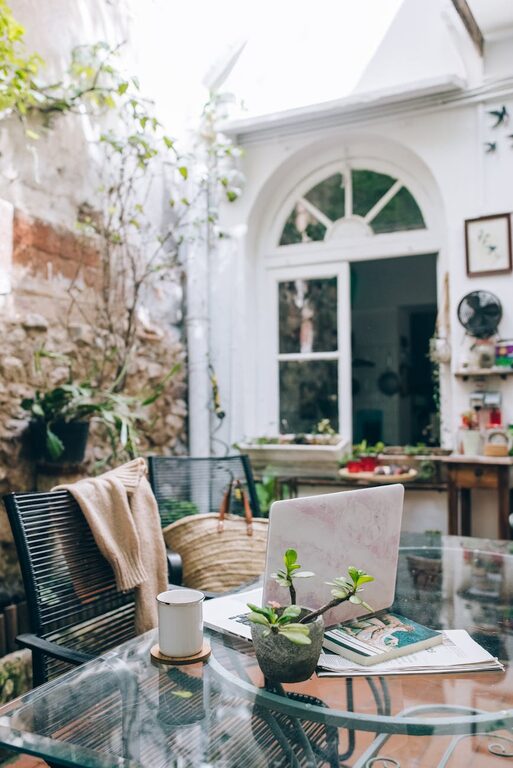
Incorporate soft textures like cushions, rugs, or a blanket to make your workspace inviting. These comforts can increase your sense of well-being and make work feel less like a chore.
Include Greenery
Plants improve air quality and add a refreshing touch to your office. Choose low-maintenance indoor plants like succulents or pothos if you’re new to plant care.
Optimize Technology and Equipment
Reliable Internet Connection
Ensure your workspace has a strong and stable internet connection. If your Wi-Fi signal is weak, consider using a range extender.
Essential Accessories
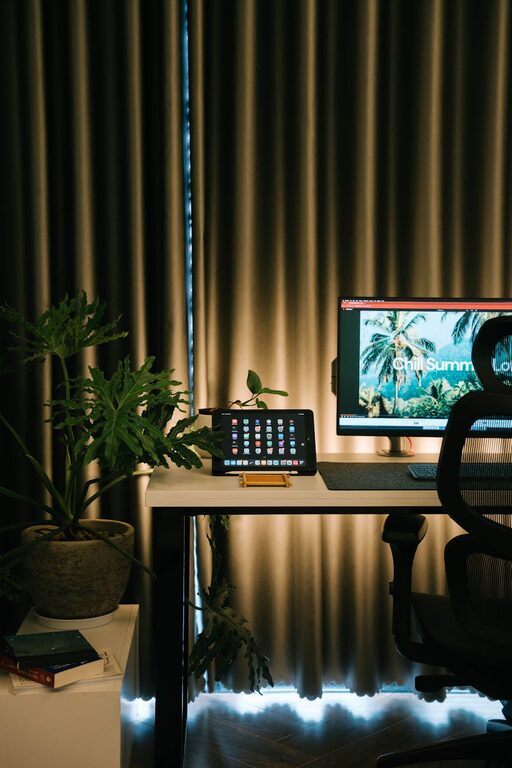
Invest in a good-quality keyboard, mouse, and monitor to reduce strain. Cable organizers can keep cords neat and prevent tangling.
Manage Lighting and Ambiance
Layer Your Lighting
Use a combination of overhead lights, task lighting such as desk lamps, and ambient lights to create a well-lit, comfortable atmosphere.
Control Glare
Position screens to avoid reflections from windows or lamps. Anti-glare screen protectors can also help reduce eye strain.
Establish a Routine and Boundaries
Create a Work Schedule
Keeping consistent work hours helps maintain a healthy work-life balance. Use your home office only for work to separate professional and personal time.
Take Breaks
Incorporate short breaks throughout the day for stretching or a quick walk. This helps maintain focus and reduces fatigue.
Keep Inspirational Items Within Reach
Vision Boards or Motivational Quotes
Display items that inspire you, such as photos, quotes, or artwork. These can be simple reminders that keep you motivated during challenging tasks.
Favorite Books or Notebooks
Having a few go-to resources nearby encourages learning and creativity.
Final Thoughts
Designing a cozy and productive home office doesn’t require a complete overhaul of your space. Small, thoughtful changes tailored to your needs can create a comfortable environment that supports concentration and creativity. Prioritize comfort, organization, and personalization to make your home office a place where work feels less like a task and more like an enjoyable part of your day.